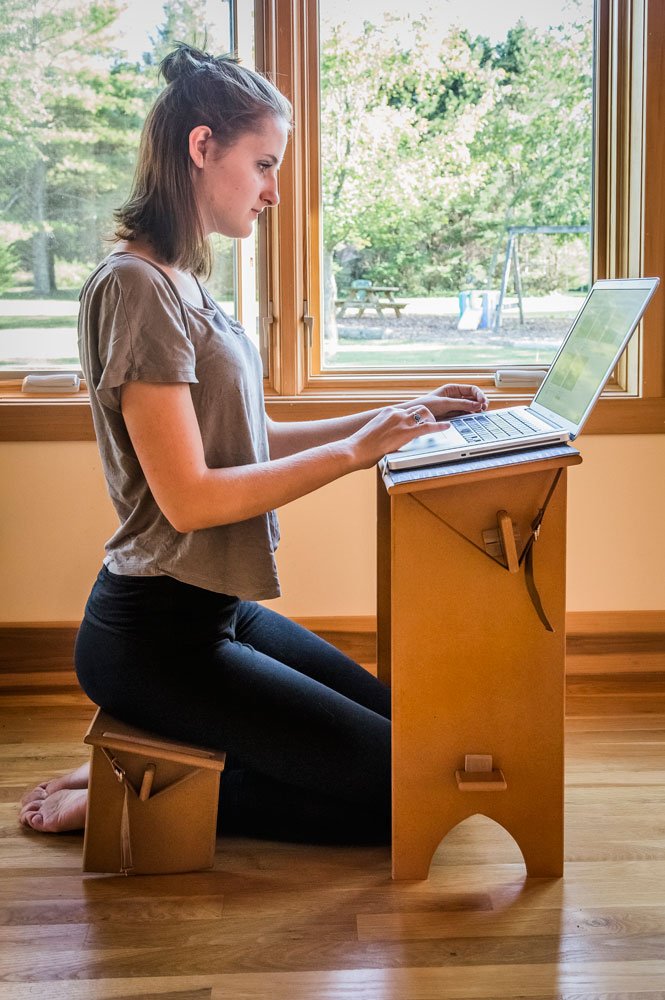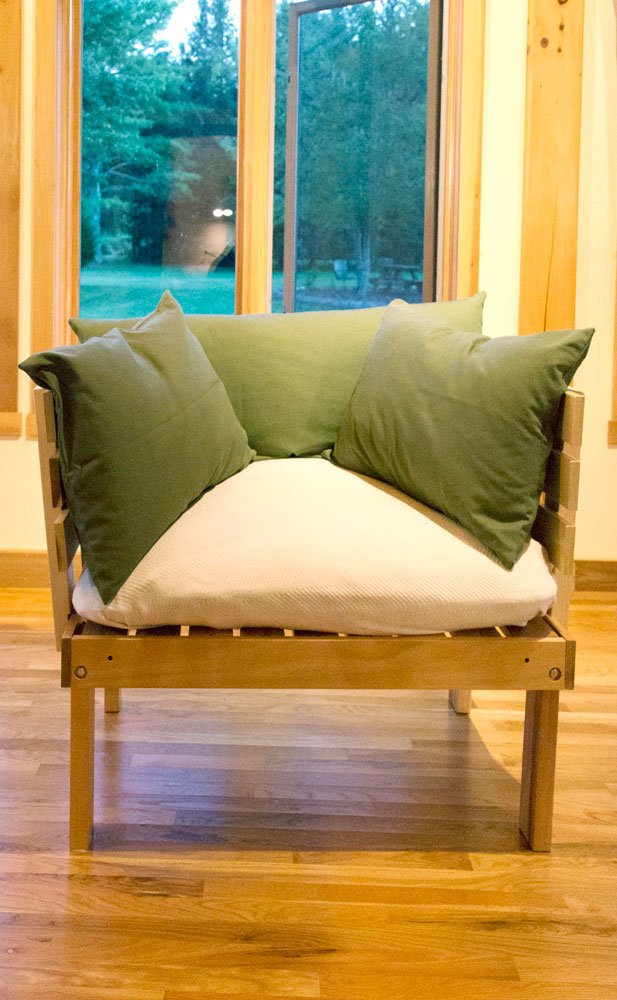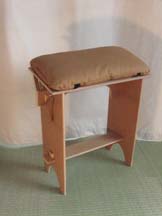
Active sitting on a Tilt Seat at standard desk height. Peace Bench is used as a pedestal for laptop to get screen closer to eye level

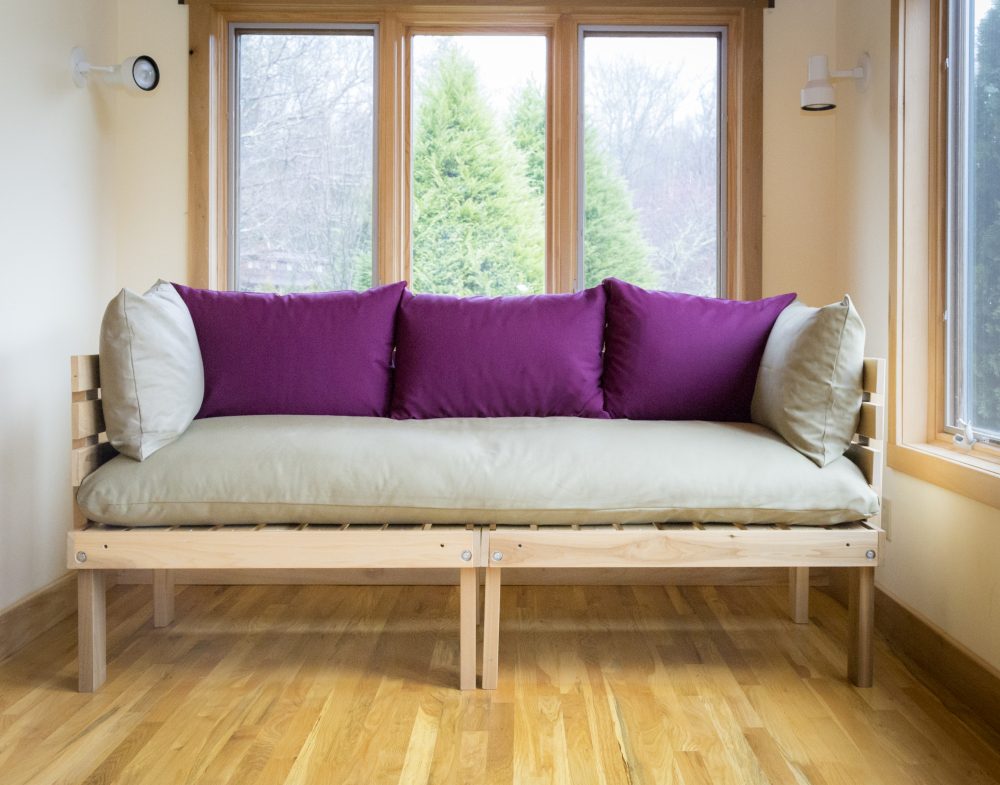
Lying down on the rectangular yoga bolster to free arms and shoulders from weight. This position is very restorative especailly when one needs to rest the back. Here three zabutons are used in the place of a futon.

Stand up computer desk in use (a.k.a. Eco Shelf) Specific positioning of 1) keyboard, 2) mouse, and 3) screen optimize ergonomics like no other ergonomic work station can do.

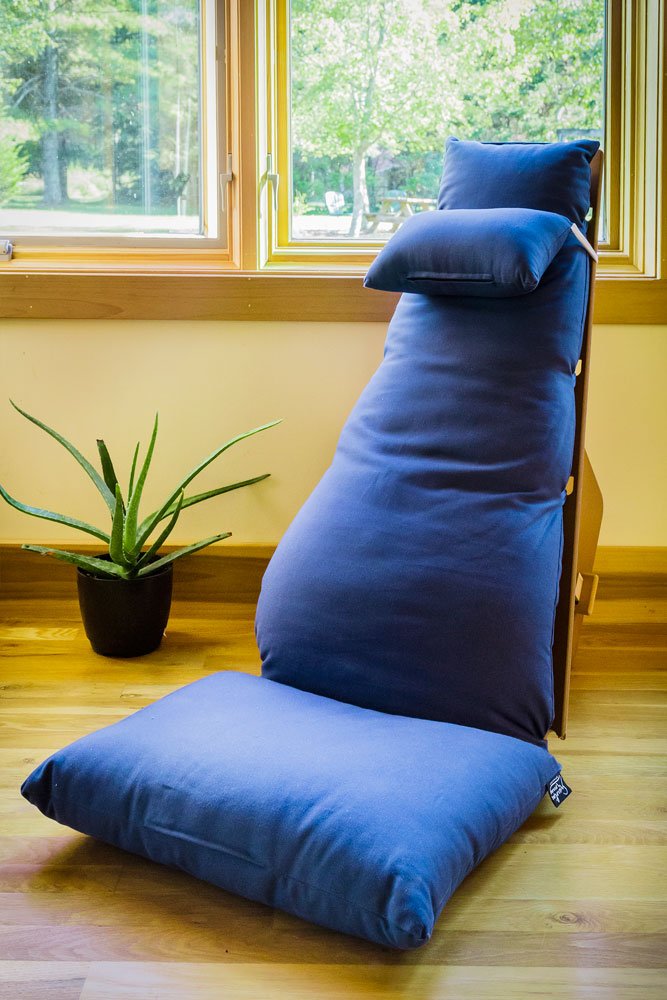
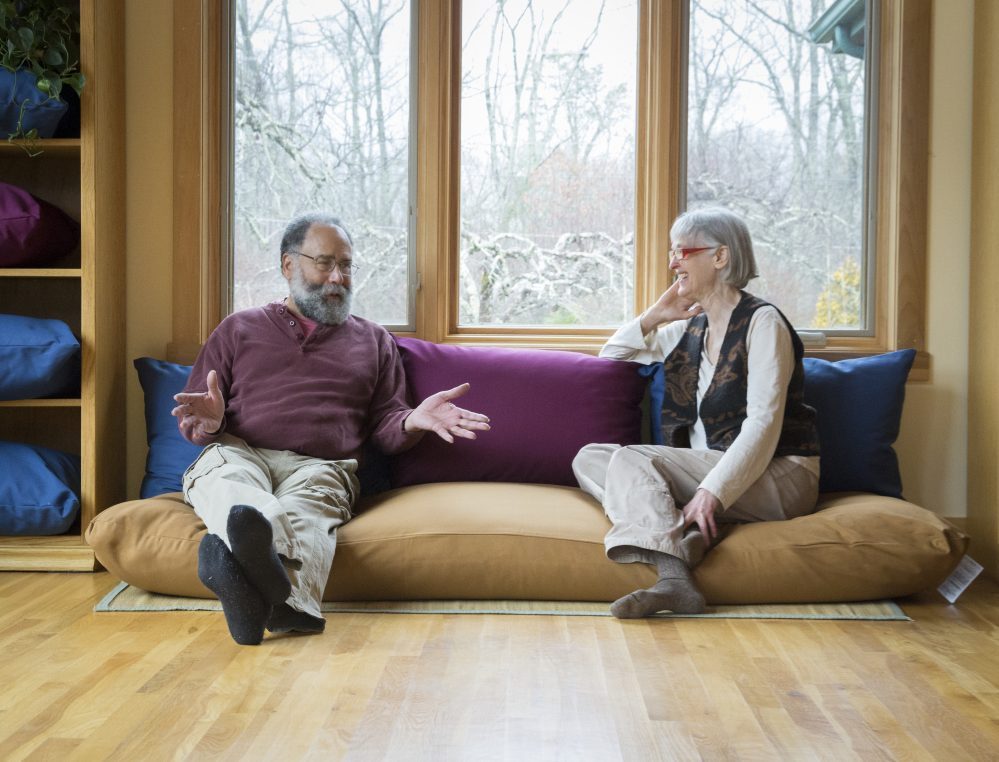
Lounge Position is another great way for total relaxation while working.
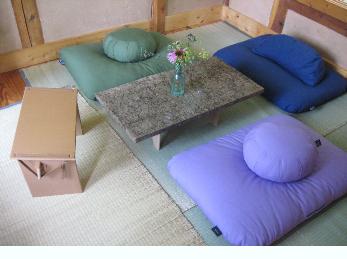
The Zen Officeis a computer work station at floor level. The same Tilt Seat shown at top of page is used her as a desk instead of a chair.

The Dynamic Office is an interactive set of furniture for turning sedentary work into interactive play. Click here to see the video.
SEATS
Zafu Cushion
Peace Bench
Sky Bench
Smile Cushion
Inflatable Zafu
Tilt Seat
MATS
Zabuton
Mini Futon
YOGA PROPS
Straps
Blocks
Bolsters
Sticky Mats
Blankets
FURNITURE
Desks
Chairs
Bookshelf
Zen Office
Yoga Lounge
Dynamic Office
PILLOWS
Head Pillows
Eye Pillows
Body Pillows
Reading Pillows
ACCESSORIES
Books/CDs
Beeswax Candles
Meditation Bells
Kapok and Buckwheat
Lavender Landscape
Incense
zafu | zabuton | meditation bench | furniture for small spaces | inflatable zafu | kneeling chair | kneeling seat |
organic pillows | yoga mats, yoga blocks, yoga straps, yoga bolsters
Japanese kapok mini futon | eye pillows | kapok pillows | eco furniture | medite 2 | portable seiza bench | portable meditation cushion | meditation study desk | ergonomic office chair
We love to talk--call us! |
![]() |
|
Laptop Ergonomics: Getting out of your Slump
by Patrick Clark
The advent of the laptop computer has revolutionized the table-and-desk-sit-down office. With the laptop, people are free to lay on the floor or bed, lean back on a couch in the hotel lobby or against a tree, or even stand up. No sooner did an opportunity arise to get rid of sitting in an uncomfortable chair, than did people take advantage of the opportunity. To the trained observer, this proves Dr. Galen Cranz’s hypothesis (author of The Chair) that chairs--even ‘ergonomic’ chairs--are uncomfortable and the body wants to be in another position.
The problem: Ergonomics researchers are unanimous in agreeing the laptop is the worst position for computer use.
1--When used in the primary ‘laptop’ positionon the lap--the user has to stoop to see the screen.
2When placed on a desk or table so as to raise the screen so you can see it, the hands/wrists are raised too high, thus leading to carpal tunnel and other problems.
In other words, the laptop is a compromise no matter how you slice it, and mainstream ergonomics warns people to not use it as their primary computer.
Lying on the floor in the manner depicted by the media does little to solve the problem, and is only wishful thinking. You’ve got the screen where you can see it, but you’ll kill your neck and shoulders. Maybe you can pay a bill or balance your checkbook, but other than that it is a deceptive image.
A docking station will solve the problem. This is where you use you’re laptop as your hard drive only, and connect it to a separate screen, keyboard and mouse. You place each of these externals in the most suitable ergonomic position: middle of screen at eye level, keyboard and mouse about waist high. Now you are sitting at what mainstream ergonomic would say is as good as it gets, especially if you have an ‘ergonomic’ chair.
However, even these experts will agree the computer work station has problems of it’s own. Rolfer’s, Chiropractors, Massage Therapists, and Yoga Instructors will attest to this. The human body tends to be shaped by the activities performed, and the computer work station keeps them in business. Even the best mainstream workstation pushes the user into a slump, hampers breathing, circulation, and is the main cause of America’s $4 billion back pain epidemic.
After many years of trial and error, I have discovered alternatives to sitting that are creative, practical, and comfortable, and can free our bodies from the confines of the ubiquitous table-and-chair culture. These discoverieshow to perform standard sitting down activities like paper work, computer work, phone work and the like while using a range of motions and positions--have completely changed my life. I have transformed my former ‘sedentary’ activities into a built in workout program. These discoveries open new possibilities for health, comfort, fitness, and increasing creativity and productivity.
I think of my office--and my home--as something like a gymnasium/yoga studio/playground. This new way of doing things can make the most boring work palatable, and can make other work fun, stimulating, inspiring and more productive.
So ingrained in our culture is sitting that to suggest otherwise is practically heretical. First off, most people have never heard of the idea that chairs are bad for you. It is such a shock to hear this that the usual reaction is disbelief and defensiveness. “You mean everything around me is wrong?” Second, people wouldn’t know where to start to change if they wanted to. Because of this it is best to make small changes in one’s personal life and personal spaces. Since many more of us are practicing ‘telecommuting’ from our home offices, there couldn’t be a better opportunity for making these changes.
The Dynamic Office
Carolina Morning Designs has developed a complete line of furniture and props that allows one to work in
at least four positions:
1--Autonomous sitting (also called ‘active sitting’)
2--Lying down
3--Lounge position
4--Standing position
Within each of these positions there is much room for movement and variations of positions.
1--“Active sitting” is used by physical therapists for patients with coordination/ concentration issues and hyperactivity. If it works for special needs people it must work for other people too, to enhance clarity of thinking and attention span. It has been found that engaging the body in the sitting process like this enhances learning comprehension and retention. Have you ever noticed how you have a lot of your best inspirations while walking or in the shower? The same principle applies here, because the body is ‘active’ in the sitting process, breathing is deeper and therefore there is more oxygen to the brain. For this sitting process to work at a computer work station, the computer or desk must be at the right height and angle so the neck is not bent too far looking down. This is usually somewhat higher than an average desk, because the seat is usually higher. Actually, a drafting table can be the perfect work surface, as long as you have a way to stabalize your laptop from sliding downward. A small piece of a yoga sticky mat seems to do just the trick (available from Carolina Morning Designs). One can sit on any of the varieties of saddle seats, ball chairs and kneeling chairs on the market, including our own Tilt Seat.
2--Standing Position:
Thomas Jefferson is known for his stand up desk, and German students traditionally stood at podiums in the classroom. However, standing isn’t for everyone. It burns calories and tones muscles at a gradual pace which is safe and effective.
I have designed an economical stand up computer desk called the ‘Eco-shelf’. I like to stand when I can, finding it stimulates thinking better than most positions. I have my speaker phone on the wall and use a music stand to hold extra papers and books when needed. I custom built an extra tall podium for writing by handnot yet on the market. Because of my poor eyesight, I have the added challenge of getting my keyboard to work when the screen is at eye level. This stand-up computer desk is the best solution because it puts the screen right in front of my face. The challenge is touch typing when the keyboard is completely out of view. This takes some getting used to but gets easy with practice. Another tip for those challenged with eyesight issues: make the font very big. Don’t be afraid to make it 20 point or bigger if you are simply working on email or wordproccessing. It makes a world of difference.
3Lying Down
This is the position I blasted for its poor ergonomics. However, we have a prop that solves the problems and makes it the most restorative and relaxing of all other positions. By placing two yoga props on top of each other and lying face down, you are raised high enough to free the arms and shoulders. Also, the line of sight is perfect so there is no bending of the neck to see the screen. These products come as part of the ‘yoga lounge’ package.
4Lounge
This is what we try for when sitting in bed propped against the headboard. However that doesn’t work because the back and neck are crunched. What is needed is the ‘spine neutral’ effectlike being in an airplane cockpit or spaceship. The same yoga bolsters used in the lying down position can be used to achieve this position either on the floor or on a bed. Use a pillow to prop laptop up closer to your face. See photo.
One of these positions alone will not do what they all do synergistically. Sometimes we need to wake up, so standing works best. Sometimes we are tired and standing reduces enjoyment and productivity, so lying down or lounging works best. The point is, no longer is the office seen as a static thing. In the Dynamic Office, the furniture is designed around the human body, not the other way around.
For Further Reading: Computers and Eye Strain
Computer vision syndrome (CVS) is a temporary condition resulting from focusing the eyes on a computer display for protracted, uninterrupted periods of time. Some symptoms of CVS include headaches, blurred vision, neck pain, fatigue, eye strain, dry, irritated eyes, and difficulty refocusing the eyes. These symptoms can be further aggravated by improper lighting conditions (ie. bright overhead lighting or glare) or air moving past the eyes (e.g. overhead vents, direct air from a fan). CVS has not been proven to cause any permanent damage to the eye.
Pathophysiology
CVS is caused by decreased blinking reflex while working long hours focusing on computer screens. The normal blink rate in human eyes is 1620 per minute. Studies have shown that the blink rate decreases to as low as 68 blinks/minute for persons working on the computer screen. This leads to dry eyes. Also, the near focusing effort required for such long hours puts strain on ciliary muscles of the eye. This induces symptoms of asthenopia and leads to a feeling of tiredness in the eyes after long hours of work. Some patients present with inability to properly focus on near objects after a short duration. This can be seen in people aged around 3040 years of age, leading to a decrease in the accommodative focusing mechanisms of the eye. This can be a setting for early presbyopia.
Therapy
Dry eye is a major symptom that is targeted in the therapy of CVS. The use of over-the-counter artificial-tear solutions can reduce the effects of dry eye in CVS.[citation needed]
Asthenopic symptoms in the eye are responsible for much of the morbidity in CVS. Proper rest to the eye and its muscles is recommended to relieve the associated eye strain. Various catch-phrases have been used to spread awareness about giving rest to the eyes while working on computers. A routinely recommended approach is to consciously blink the eyes every now and then (this helps replenish the tear film) and to look out the window to a distant object or to the skydoing so provides rest to the ciliary muscles. One of the catch phrases is the "20-20-20 rule": every 20 minutes, focus the eyes on an object 20 feet (6 meters) away for 20 seconds. This basically gives a convenient distance and timeframe for a person to follow the advice from the ophthalmologist. Otherwise, the patient is advised to close his/her eyes (which has a similar effect) for 20 seconds, at least every half hour.
Decreased focusing capability is mitigated by wearing a small plus-powered (+1.00 to +1.50) over-the-counter pair of eyeglasses. Wearing these eyeglasses helps such patients regain their ability to focus on near objects. People who are engaged in other occupationssuch as tailors engaged in embroiderycan experience similar symptoms and can be helped by these glasses.